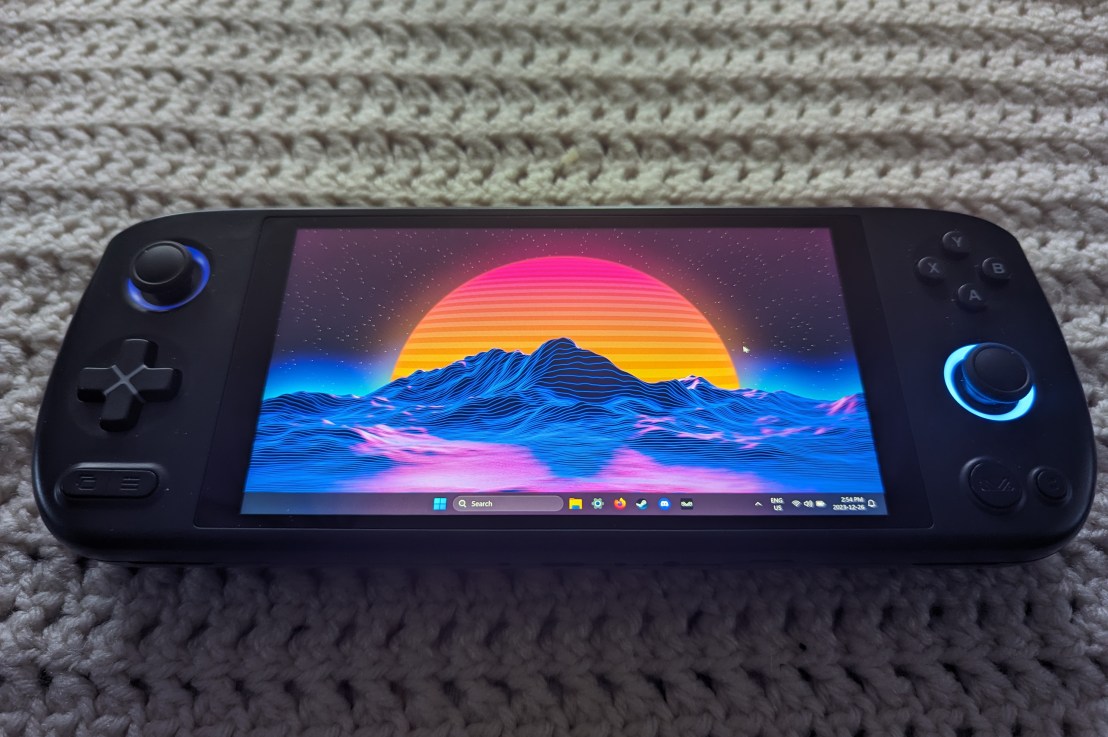
Portable handheld gaming PC’s have become extremely popular ever since Valve announced the Steam Deck in July of 2021 (and released seven months later) and Ayaneo was there even back then. In fact, Ayaneo, which was founded in 2020, launched the first Ayaneo handheld PC called the Aya Neo in 2021 based on an AMD Ryzen 5 4500U (6 cores and 12 threads) with RX Vega 6 graphics. Ever since they they have released a flurry of new devices and one of those was the Ayaneo Air Plus.
The Ayaneo Air Plus was and is available in multiple flavours which made for a lot of product SKU’s for this compact handheld. There were several AMD Ryzen powered systems (Ryzen 3 7320U, Ryzen 5 7520U and the Ryzen 7 6800U – of which is the only model still available) and an Intel powered model (i3-1215U).
Ayaneo had a fire sale on their older models recently and that included all the plus models except the Ryzen 7 6800U (though this model is currently on sale for 45% off). I tried to purchase the Ryzen 5 7520U model but for some reason the checkout process refused to ship to anywhere but a few countries and Canada was not one of them. The Intel i3-1215U unit would ship to Canada so I decided that would be fun to try out since I don’t do much with Intel these days. Of course a few days later Ayaneo fixed the shipping problem for the Ryzen systems but I had already purchased the Intel model.
I have been testing the i3-1215U Air Plus for over a couple months now and have some performance numbers to share along with what I think of the device.
Let’s get the specs out of the way to start: (compared to an Ayaneo Geek 1S)
| Ayaneo Air Plus | Ayaneo Geek 1S | Steam Deck OLED | |
| CPU | Intel i3-1215U | AMD Ryzen 7 7840U | AMD Sephiroth |
| CORE COUNT (THREAD COUNT) | 6C (8T) | 8C (16T) | 4C(8T) |
| CORE TYPES | 2 Performance with Hyper-threading 4 Efficiency | 8 Performance with simultaneous multi-threading | 4 Performance with simultaneous multi-threading |
| GPU | Intel UHD Graphics | AMD Radeon 780M | Custom AMD Radeon RDNA2 Graphics |
| MEMORY | 16GB | 32GB | 16GB |
| STORAGE | 512GB NVME SSD (expandable via micro-SD) | 512GB NVME SSD (expandable via micro-SD) | 512GB NVME SSD (expandable via micro-SD) |
| BATTERY | 46.2Wh | 50.25Wh | 50Wh |
| GEEKBENCH 6 CPU SCORE (multi-core) | 1922 (4139) | 1677 (8866) | 1403 (4784) |
| GEEKBENCH 6 VULKAN GPU SCORE | 10710 | 30582 | 19685 |
The 1215U Air Plus is not the first Ayaneo device I have owned. In fact it is the third. Previously I have purchased the Ayaneo Geek 1S and the Ayaneo Pocket Air. There are reviews on those coming in the future.
The Air Plus models from Ayaneo are compact compared to their Ayaneo 2 and Geek counterparts and though smaller they do have higher resolution screens. Built in we have a six inch 1080P IPS display. It’s a pretty decent display with rich enough colours. It is limited to 60hz but, especially in the case of the 1215U model, you really don’t need a higher refresh rate. More on that later.
The controls are laid out in similar to an Xbox with a few differences. The Start and Select buttons are under the left d-pad, there is an Ayaneo button and a show desktop button under the right joystick and between the L1 and R1 buttons there are two multi-function buttons which can be set up in Ayaneo’s Ayaspace 2.0 software. Under said L1 and R1 buttons are the fully analogue L2 and R2 buttons. Oh and those joysticks, yeah they’re hall effect but still basically are the same as Switch joysticks (though they do seem to be better quality overall).
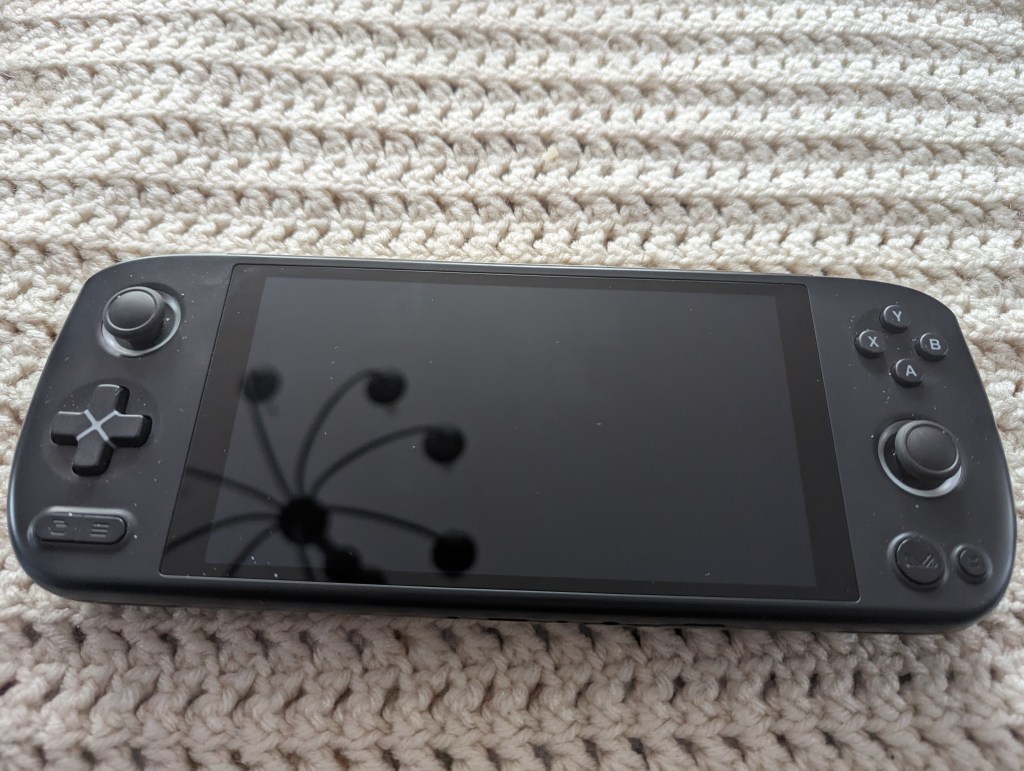
The colourway of the Air Plus is stunning. My Air Plus came in the Starlight Black colourway which isn’t black at all. Instead it is a beautiful deep dark blue with contrasting highlights in a light gray blue colour. The trigger and shoulder buttons are in a silver colour.
To keep the Intel Air Plus there is a large air intake on the back of the console and a large sized exhaust for the fan to push air through. The 1215U can get pretty warm for as 15W max TDP CPU. During use I never felt I had to quit gaming because the Air Plus got too hot however, when I game, I always run the fan at 100% to keep things bearable.
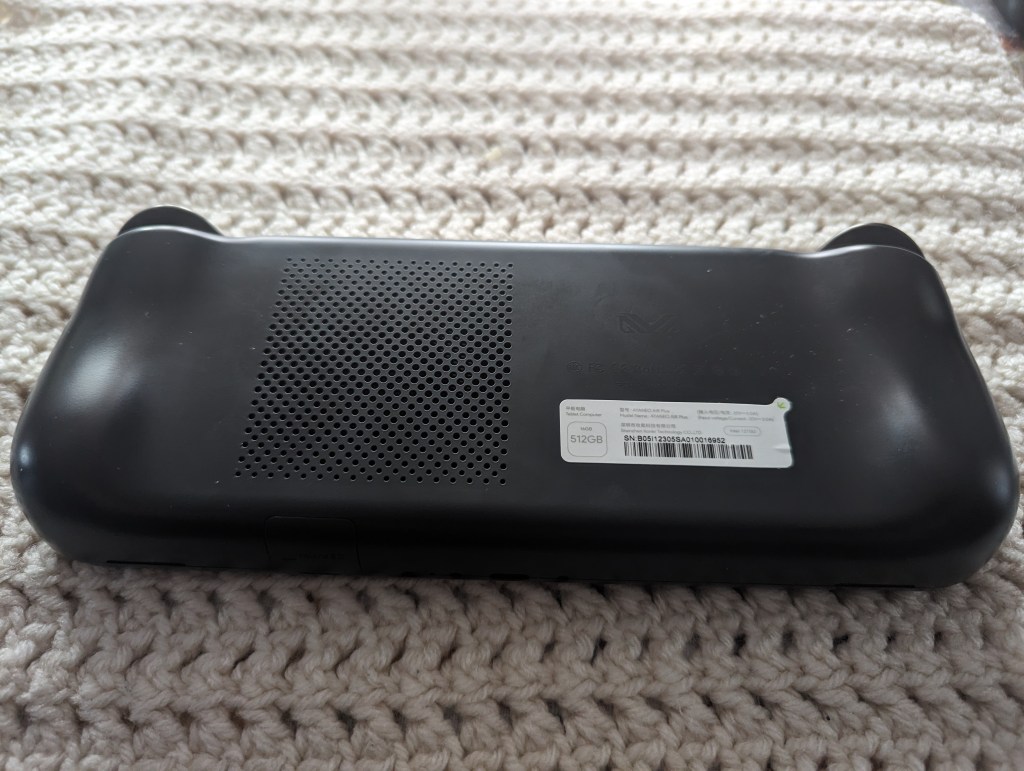
Installed on the Air Plus when it arrived was Windows 11 Home edition and AyaSpace 1.0. I went ahead and upgraded Ayaspace to version 2 as it can be more custom settings compared to version 1. And while 1 is still being updated Ayaneo’s focus as really moved on to version 2.
I have always seen Windows as a hindrance to PC based mobile gaming. It’s inherently more resource hungry making it less efficient with it’s resources and when you are working with a low TDP CPU this can really hurt performance. Ayaspace 2.0 goes a long way to improving the gaming experience on Windows by essentially hiding Windows in the background with Ayaspace 2.0’s Launcher. More on that in a bit.
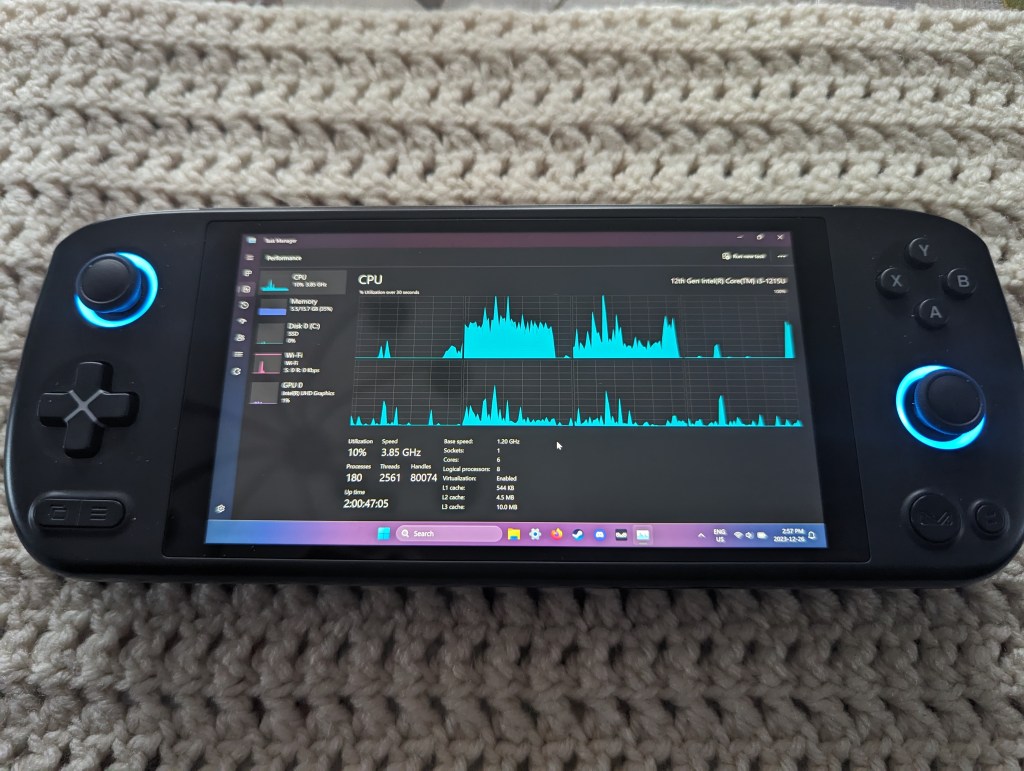
The 1215U CPU is pretty strong but the GPU is not. So you are limited to the games you can play on the Air Plus. It will run Forza Horizon 5 at 25 to 30 frames per second at 720P. The performance is not consistent however and, I am not positive of this however it would explain the drop in performance, I believe sometimes Windows is assigning the game to the 1215U’s efficiency cores rather than the performance cores. Sometimes with the same settings in the same area in Forza Horizon 5 the game will struggle to get above 12 frames per second. The only thing that fixes this is restarting the Air Plus. One should also note, Horizon 5 is very optimized and runs on a lot of hardware. The 1215U is definitely on the lower end.
The 1215U Air Plus is good at playing a bit older games and can emulate all kinds of console games up to Playstation 2 and Gamecube. In most cases you will need to be running at a full 15W TDP to accomplish this but older titles you can set the TDP lower. I usually just leave my TDP at 15W as Ayaspace 2 seems to regulate power usage pretty well.
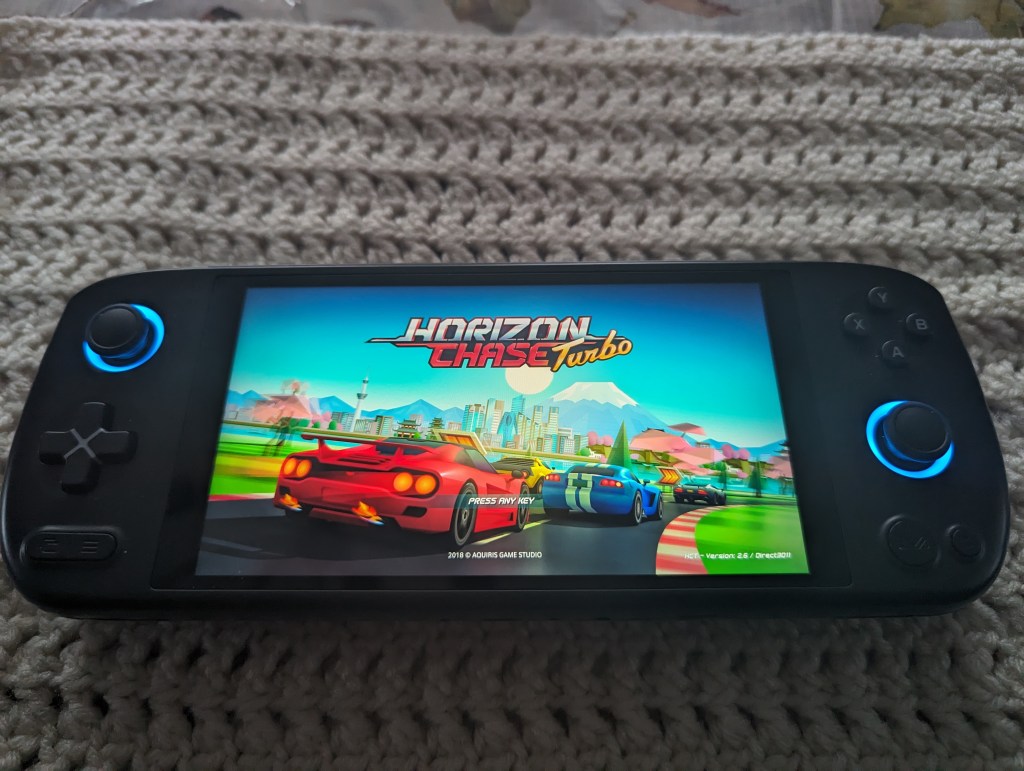
Speaking of Ayaspace 2. It’s a really handy piece of software and all of Ayaneo’s devices have a dedicate button to access it. A quick press of the Ayaneo button on the Air Plus brings up the quick menu that gives you access to pretty much every setting you would need when running your console. If you do a long press of the Ayaneo button it will open the full Ayaspace 2 experience. This main screen will give you access to even more settings but also Ayaneo’s front end that you can use to easily launch and quit games. And Ayaspace 2 is really good at finding the games you have installed from all the different stores including Steam. Now one might as why you don’t just use Steam’s Big Picture mode? The reason is that there is no Xbox home button built in the Air Plus. This makes it very annoying to navigate. Ayaspace 2 works pretty well and I use it all the time.
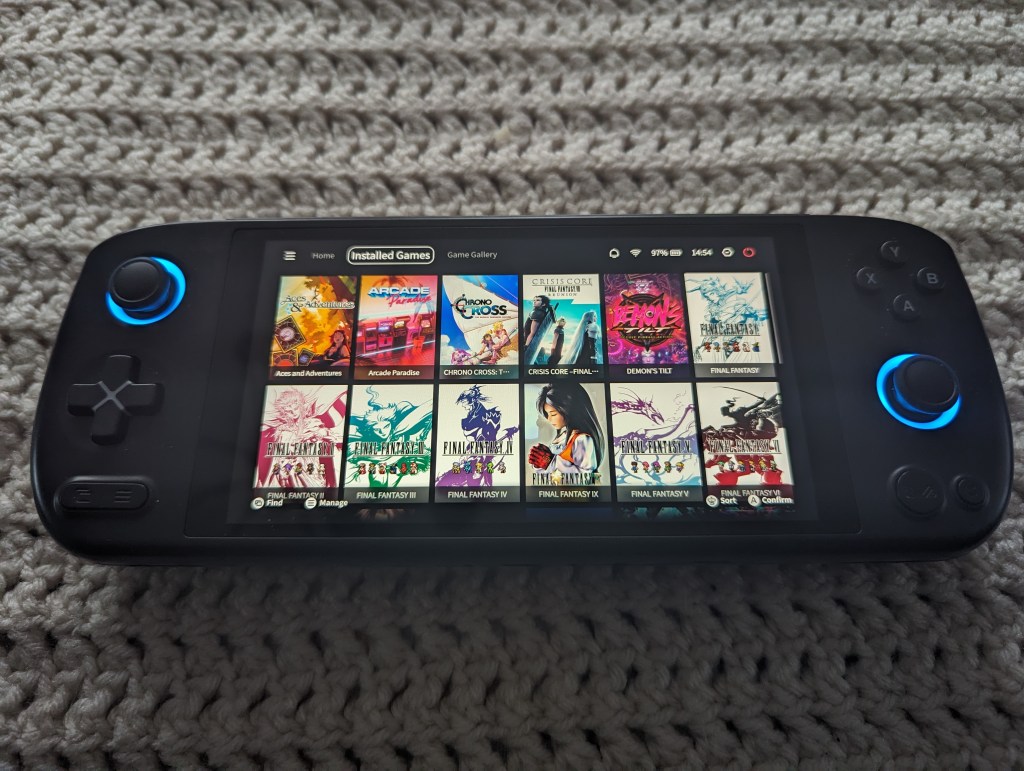
The reason I decided to review my last acquired Ayaneo first is because of how much I love the ergonomics of the handheld. For a person with shorter fingers (though normal sized palms) it is easier to reach all the buttons on the Air Plus than it is on the Ayaneo Geek 1S. To be clear, I can reach the buttons on the Geek 1S as well but not as comfortably. The carving of the handle area of the Air Plus just fits so perfectly into my hands. As such, I find myself grabbing this more often to play and I have only a shorter time to play. You only get about an hour and a half of game time if you are playing a game like Forza Horizon 5 but that can be stretched if you play something like the Steam version of Final Fantasy IX or similar games.
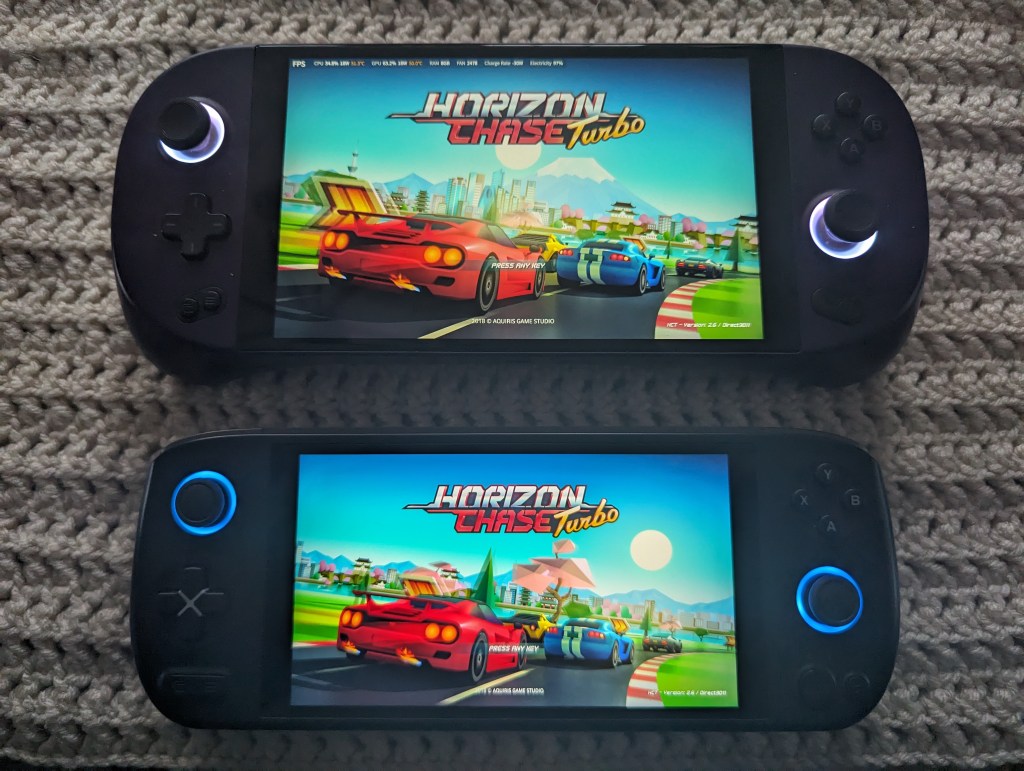
It’s not all rainbows and unicorns however. There clearly was not as much attention to detail with this being an Intel based handheld. One of the most annoying things about the Air Plus is boot time. In the manner of the Intel Air Plus just turning on it’s RGB joystick light surrounds indicating it is on, my Geek 1S will already be booted into Windows. The other thing that really bugs me about this is Ayaneo set up the internal display oddly. It is explained somewhere on the internet that because of this it will never be supported in Linux properly including HoloISO or ChimeraOS as the Intel Air Plus was not very popular. ChimeraOS will boot and install and display to an external screen but it will not detect the internal screen making the Air Plus not portable.

I will say, with how much I do really like the Intel Air Plus it has me now interested it finding a used Ryzen 7 7840U powered Air 1S to possibly take the place of my Geek 1S. I would be sacrificing some performance and battery life but I would be gaining ergonomics.
What I can recommend to any interested parties, while the Intel Air Plus is no longer available from Ayaneo, there is the Air Plud powered by the Ryzen 6800U which is on for 45% off while stock remains directly from Ayaneo. When Ayaneo cuts prices like this is definitely when to pick these devices up as they are much more of a value.
 redbluegreen